Modules
Six modules turn your context into a structured deliverable. They open from a conversation, once your context is set.
Running a module
From a thread, the chips below the composer open a module. Each module reads the conversation context (and the project context) then proposes a draft.
The chips only appear once your context is set: send a message or attach a document, and they show up.
You can also ask for the deliverable straight in the chat: the assistant recognises the request and runs the module itself, without the panel (see how the assistant works). This page describes the manual path, the one that makes you review before producing.
A checkpoint, on this path
Opened by hand, the modules share the same shape: the assistant first analyses the conversation, shows you what it understood, and waits for your validation before producing the deliverable. What you correct at that step is what gets used.
When the assistant runs the module from the chat, that stop does not happen: it analyses and produces in one go, and the review happens on the deliverable. For a delicate context, open the module yourself.
The analysis chain, upstream
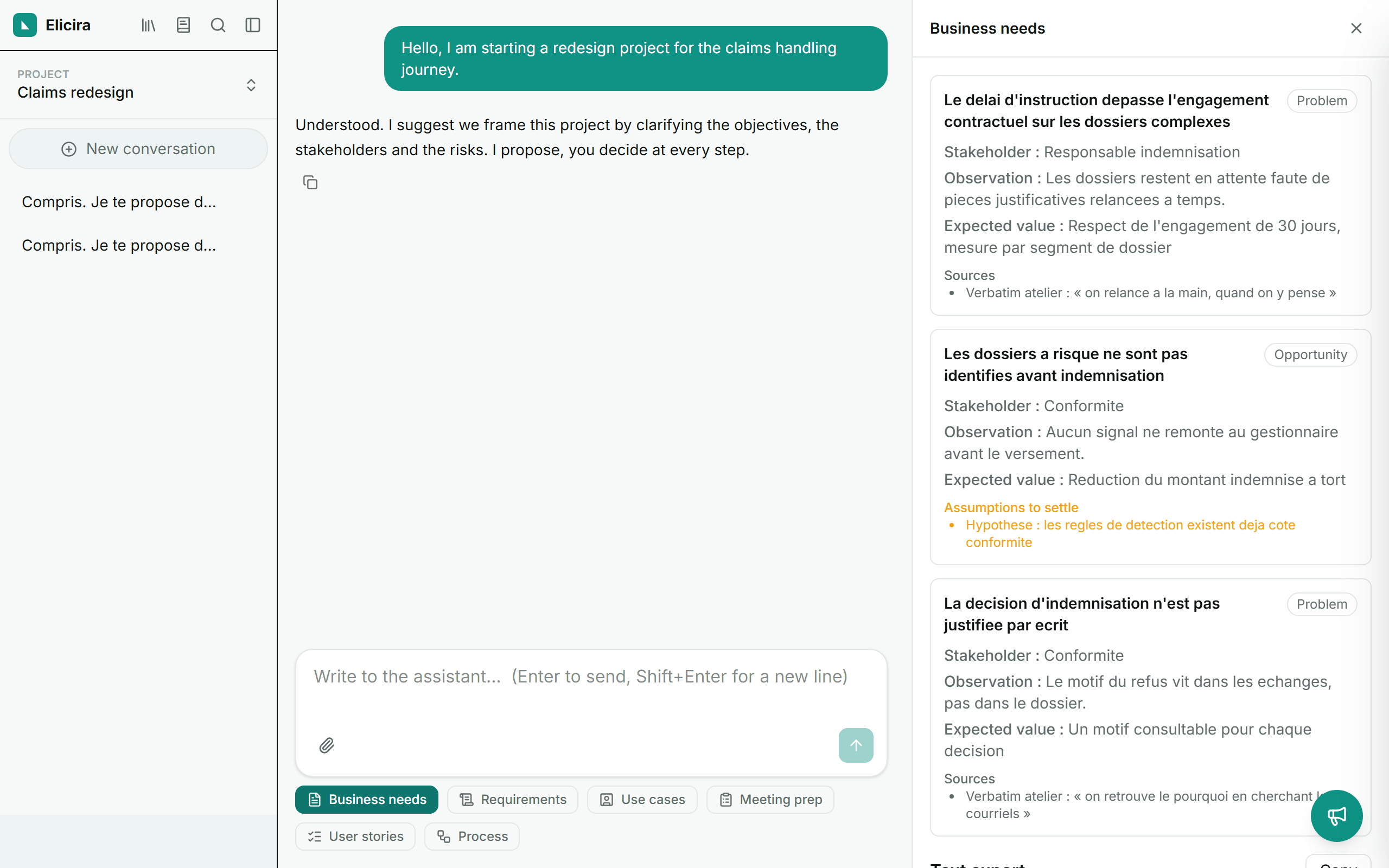
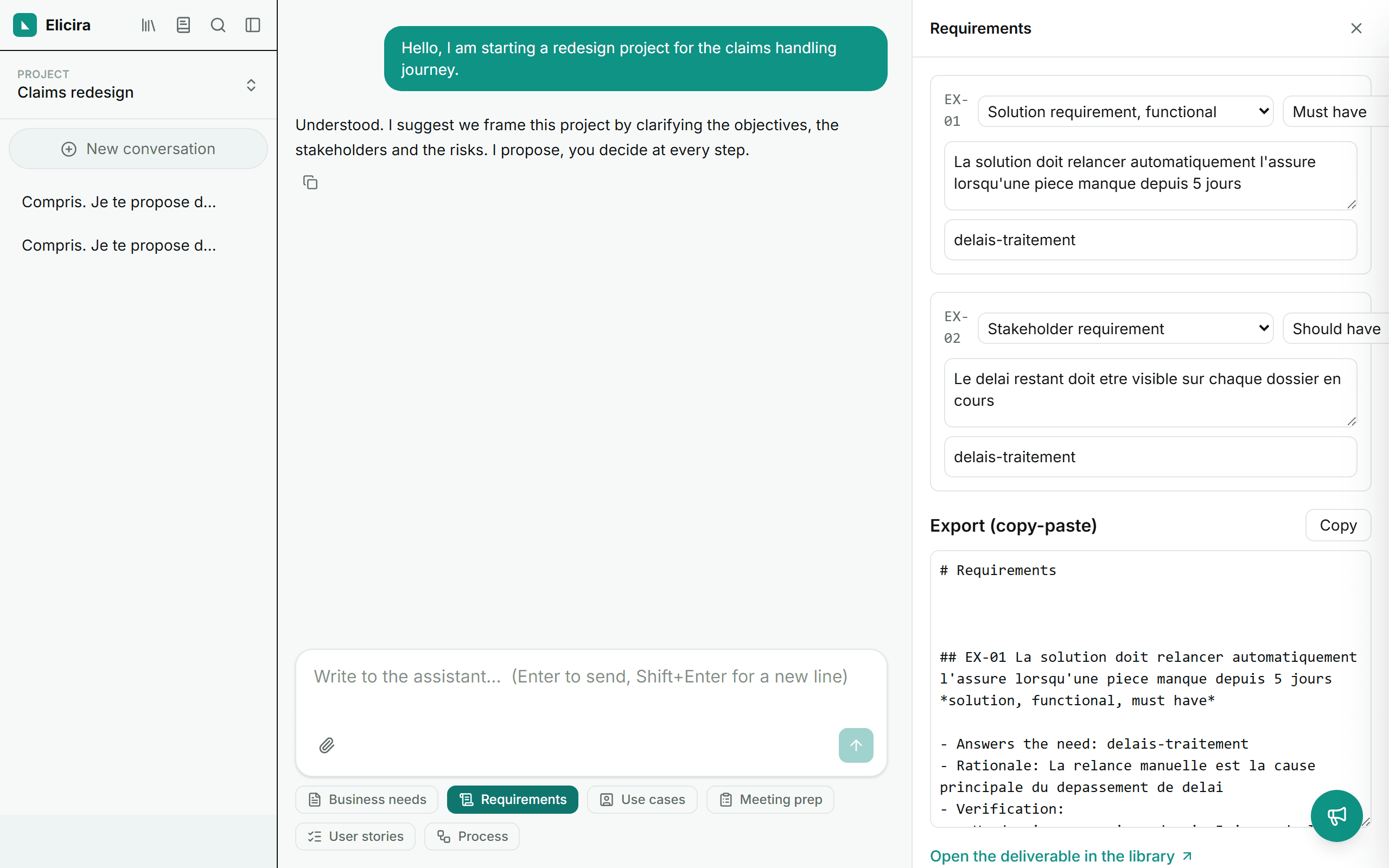
Three modules cover the upstream work, in the order it happens: Business needs, then Requirements, then Use cases. Each starts from what the previous one produced, so a requirement carries the need that motivates it, and a use case the requirement it fulfils.
The items produced carry identifiers and references back to the upstream link. That is what makes the traceability matrix possible later: without them, relating deliverables would stay a matter of reading them side by side.
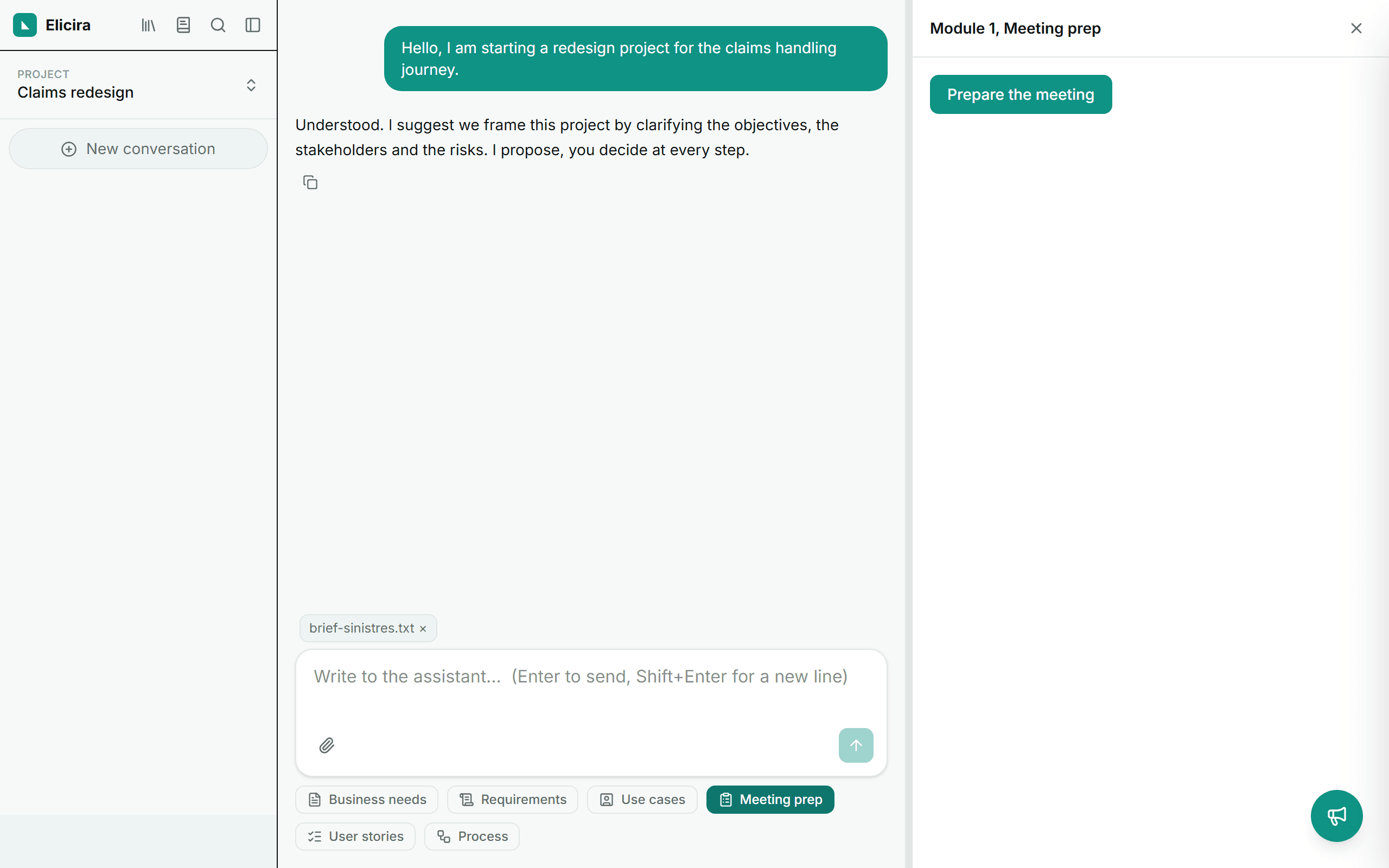
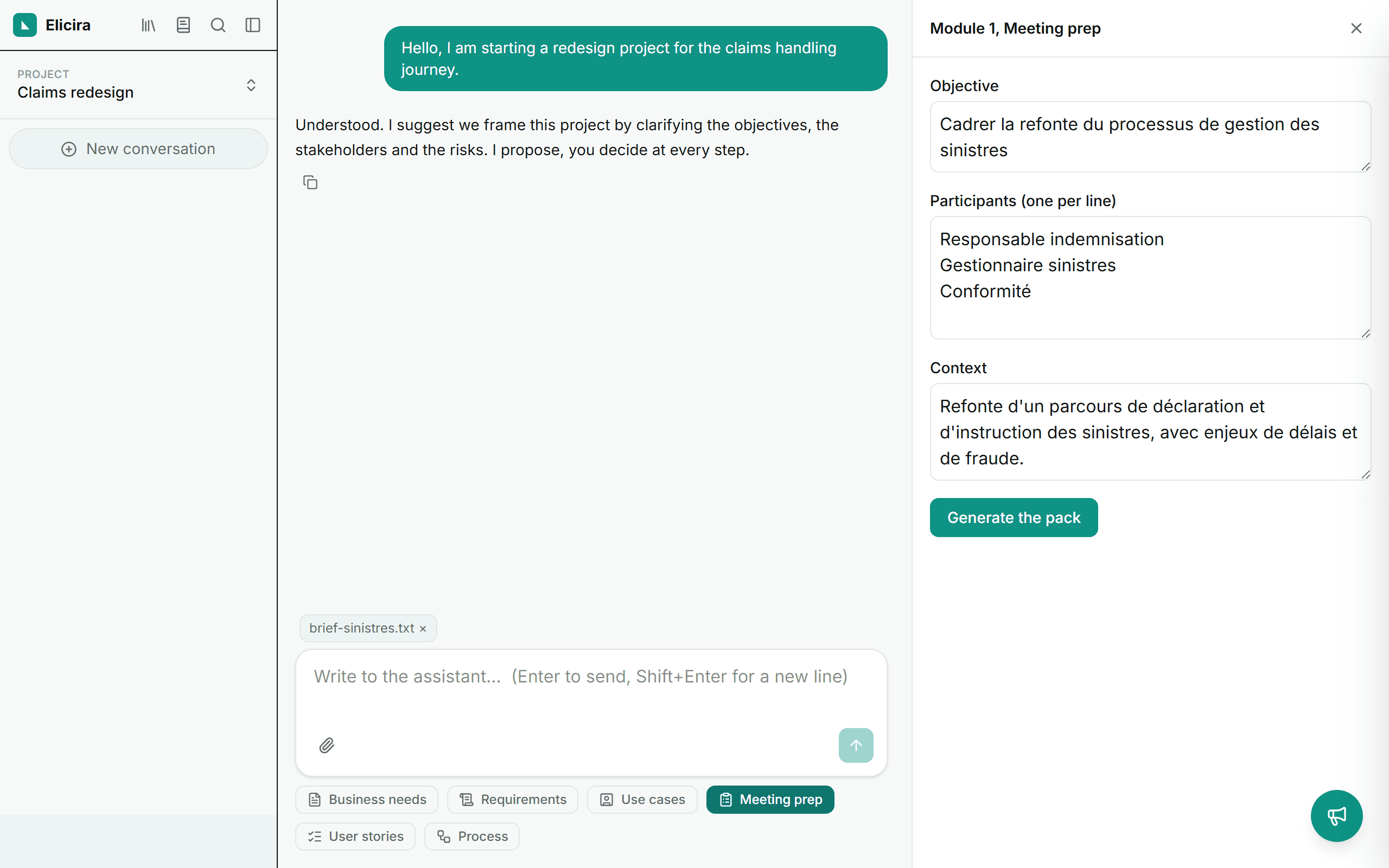
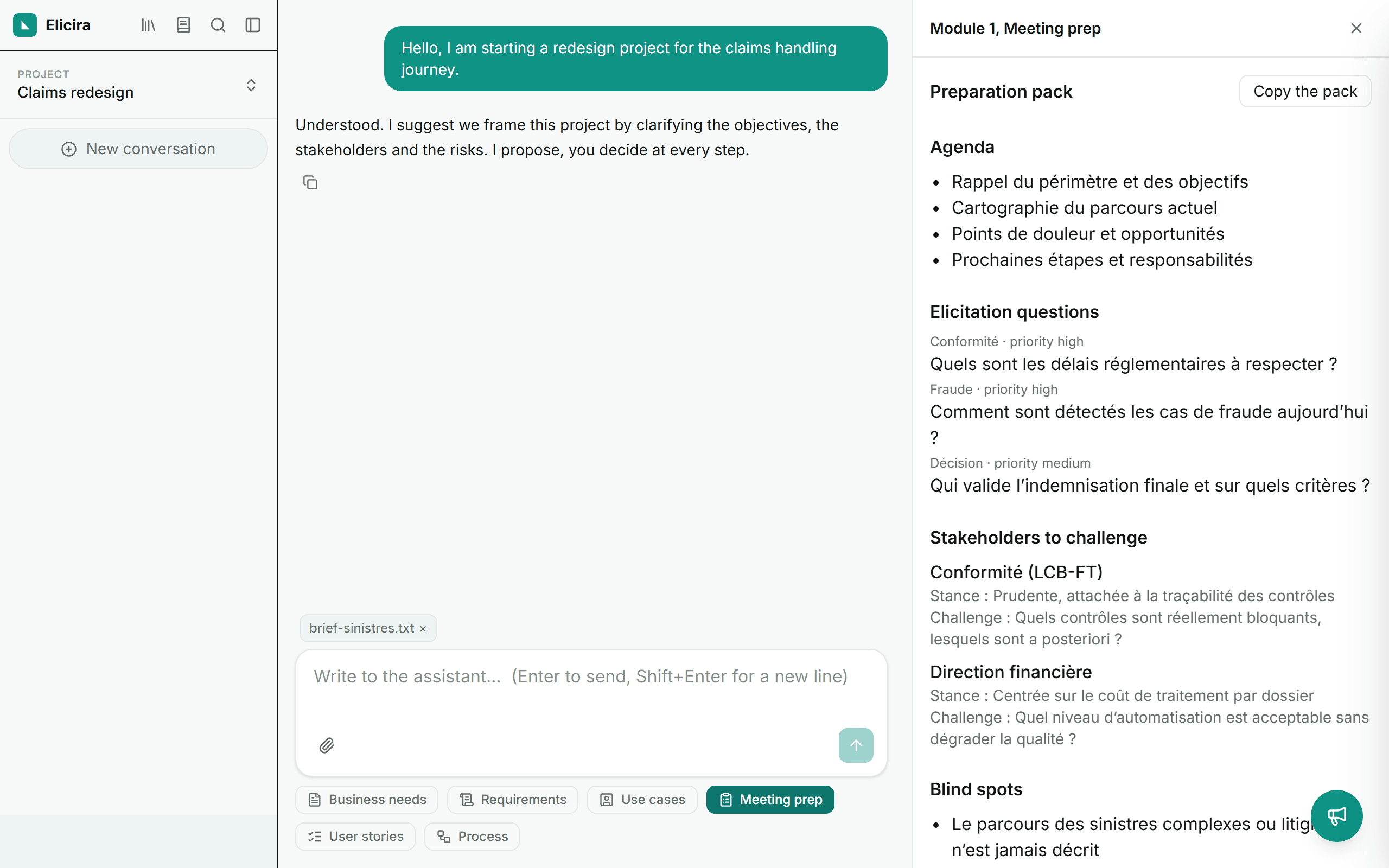
Meeting preparation
A 360° preparation pack: agenda, elicitation questions grouped by theme and prioritised, stakeholders to challenge with their likely posture, blind spots and points to watch. To walk into a workshop or scoping meeting fully prepared.
User stories
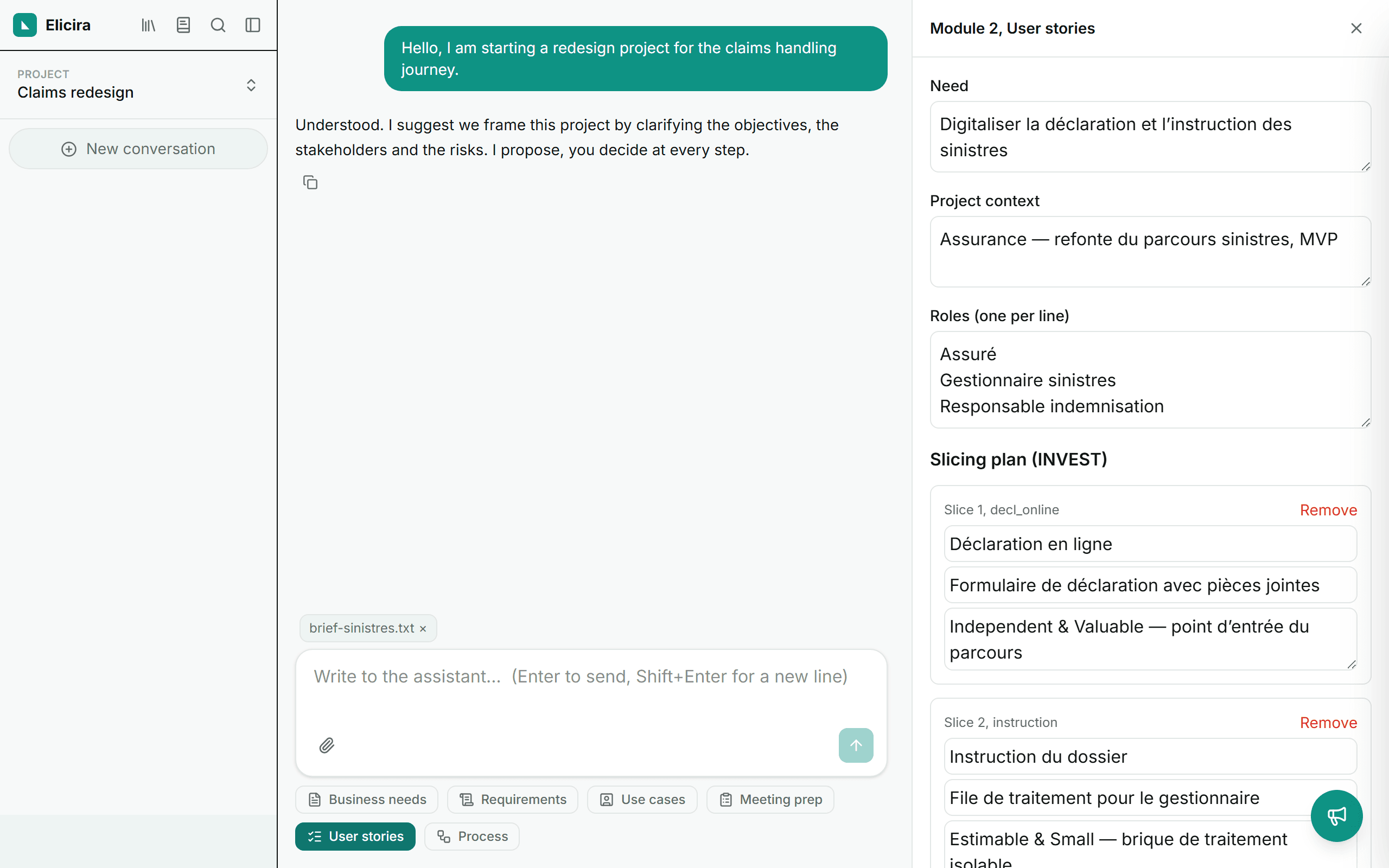
This module works in two passes. First a slicing plan against the INVEST criteria: every slice is justified, and you can remove one, add one, or rewrite its scope.
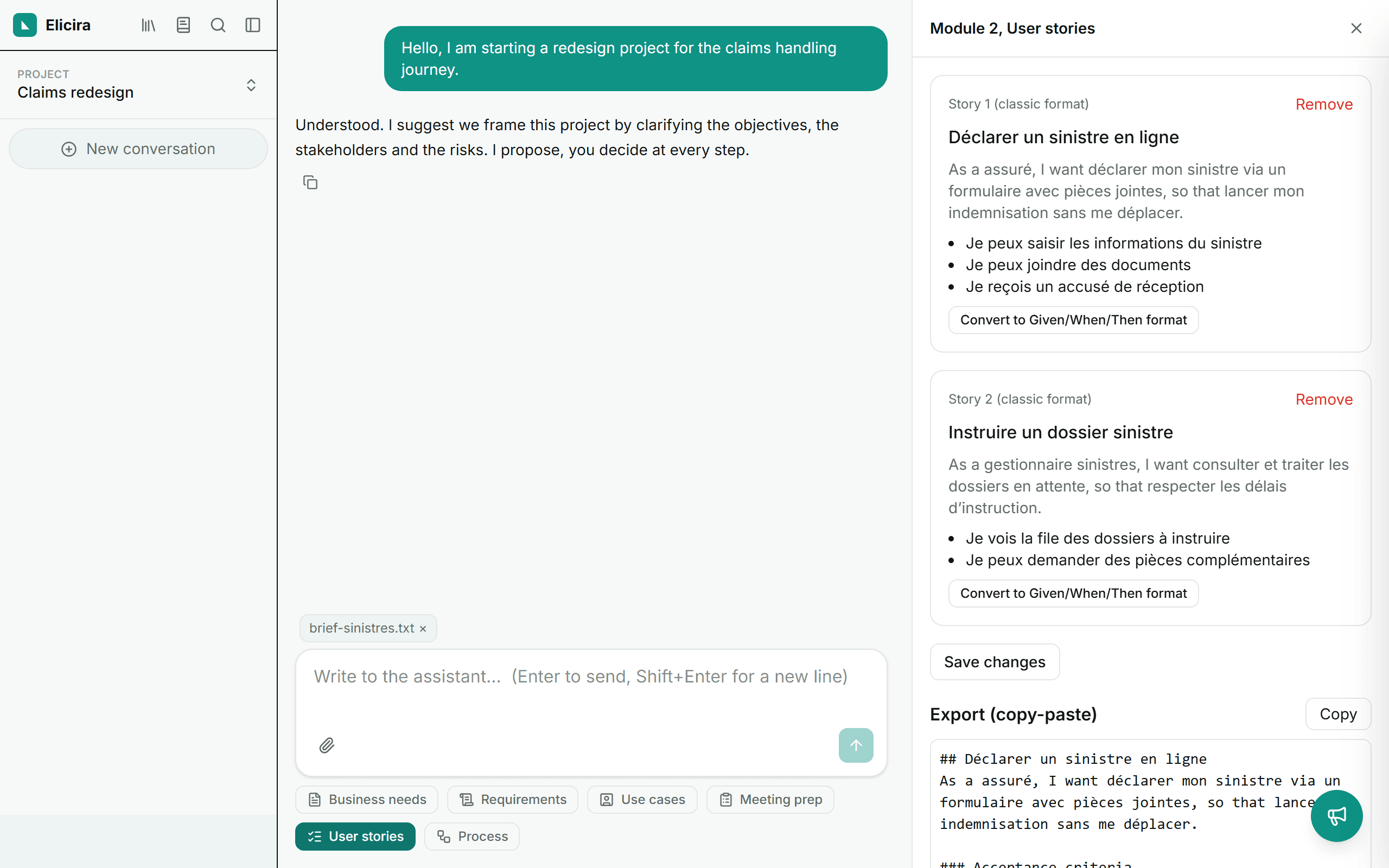
Only then come the stories, with their acceptance criteria in Gherkin format (Given / When / Then). The editor lets you rework everything, and an export block gives you text ready to paste into your tracker.
Process modelling
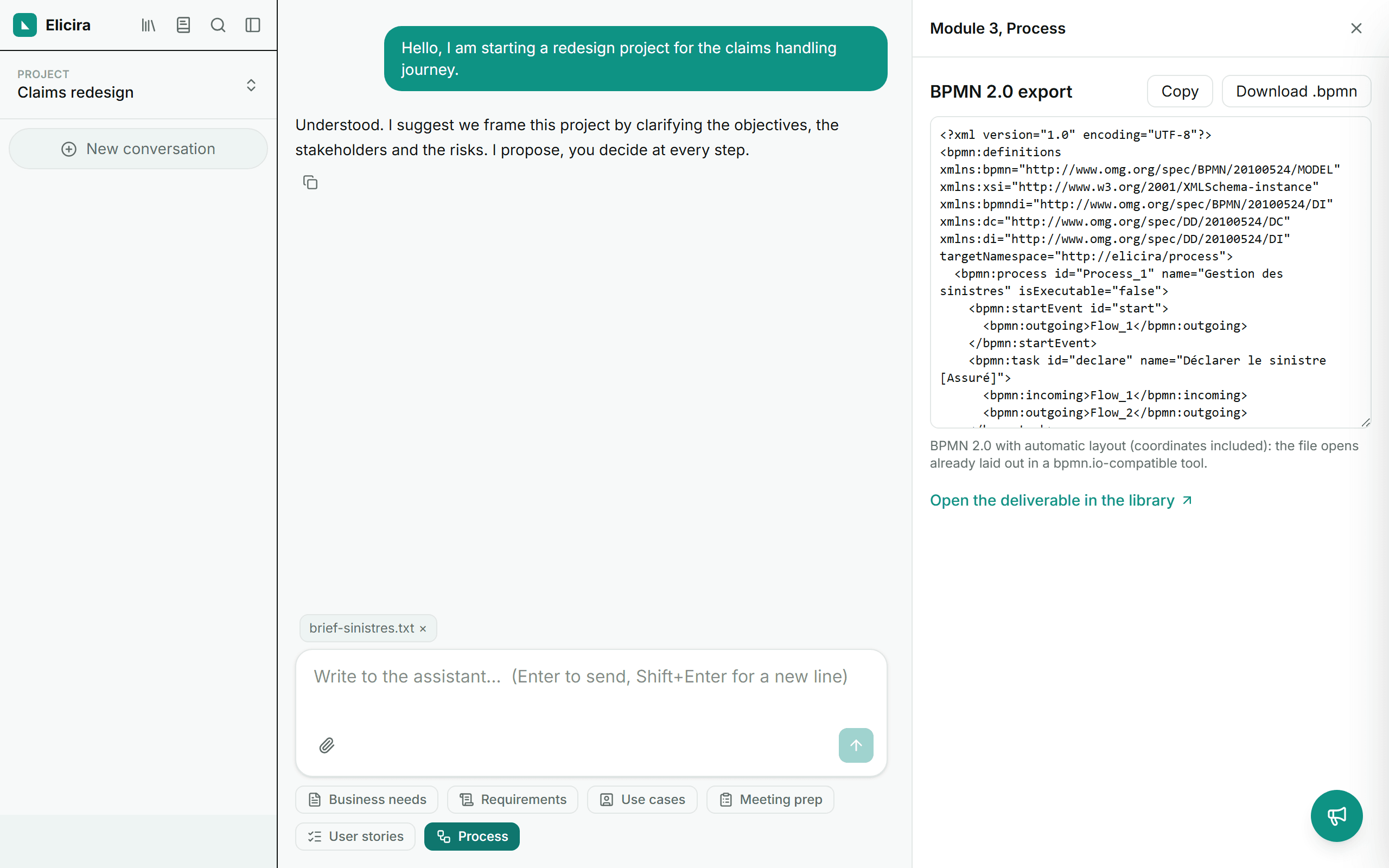
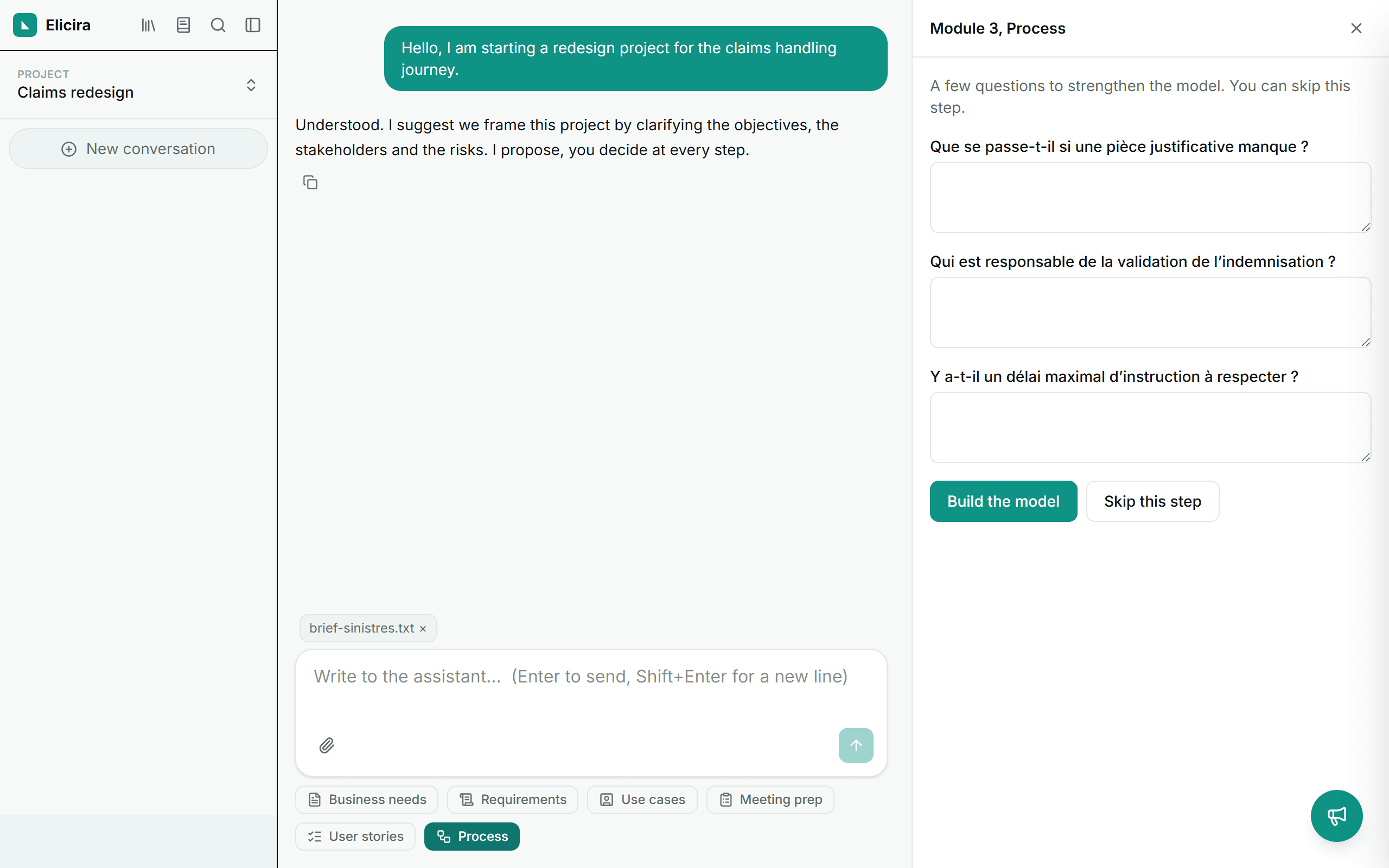
The module starts by asking what it is missing, so it can model without inventing. You can answer or skip the step: if you skip, it will state its assumptions rather than hide them.
Then comes the process structure: actors, start and end, steps and flows, with the assumptions made and the missing information clearly kept apart. Everything is editable before export.
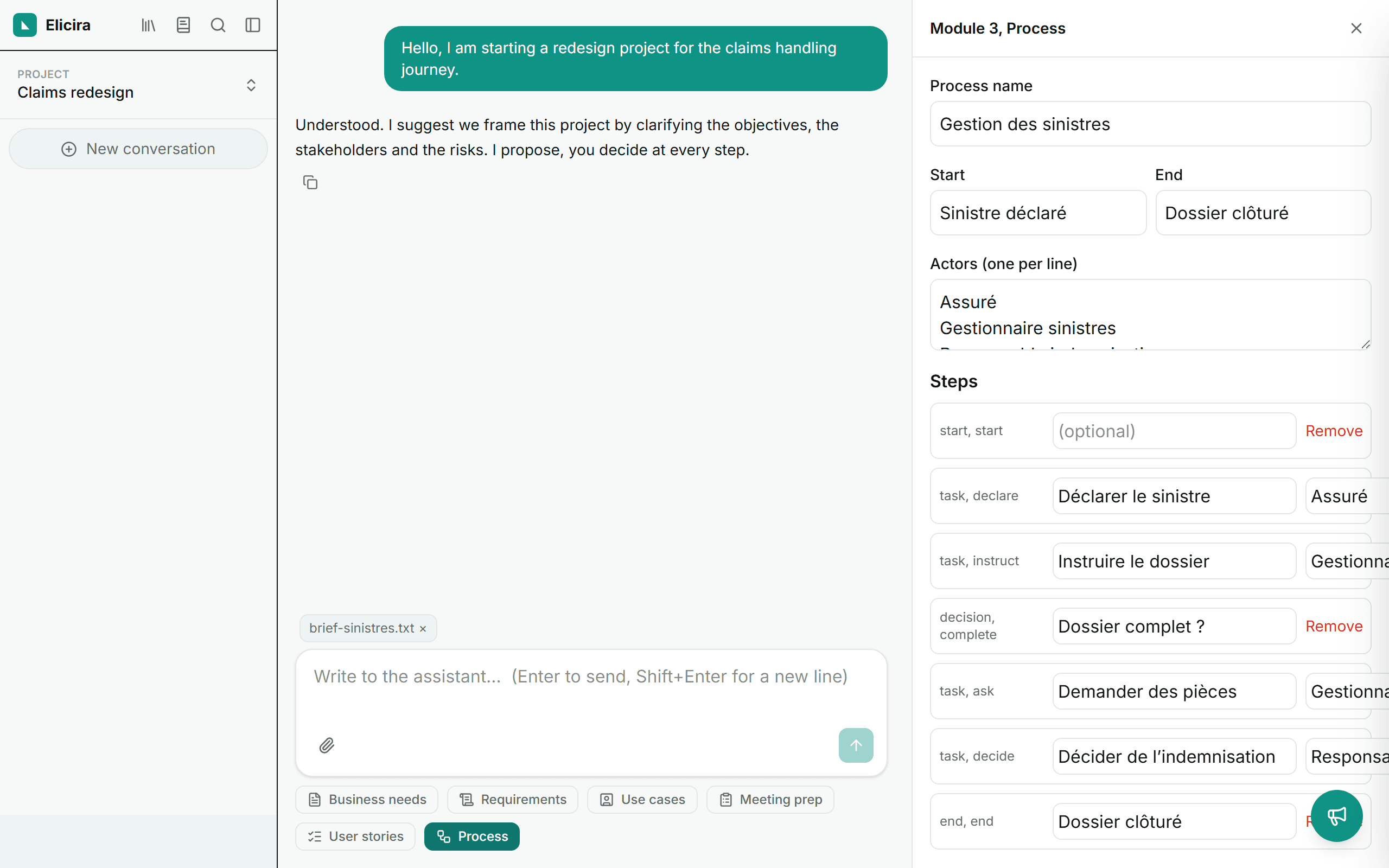
The export produces BPMN 2.0 with automatic layout: the file opens already laid out in a bpmn.io-compatible tool, with no need to reposition anything.